Last time I tried it, it didn't handle unicode very well. It was a year ago and, when I saved the documents, things like "à" would turn to Chinese characters. Apart from this, I liked it a lot. Now I just use VIM and pandoc for PDFs.
Thank you for this, I've been long wishing for a NValt clone with an inline Markdown preview. Currently I write longer notes in Sublime Text,now Typora seems a nicer alternative.
It's generally from researching a topic while working on a project. It's a bit like a cache of bookmarks, you don't really know what you're going to need until you've made some headway and found what was truly helpful that you may need later versus what you can safely close.
The difference is that you can push a tab from one device to another. So if you're reading something on your phone, and push it to your laptop, it will automatically open in a new tab there once it syncs. It's good for when you're on the go, and want to remember to read something later on once you get back to your computer.
By the way, Firefox also has the feature you mention (view tabs that are open on devices).
Ah, I guess the benefit of "pushing" a tab shows in stateful applications or something, so it keeps the same "state" on the new device? Or, does it keep the same distance scrolled down the page so you can pick up where you were?
I'm confused because I open desktop session links from my mobile all the time and I'm curious if there's features I'm missing out on by pushing from one device to another, instead of syncing.
For example, if I open Chrome, I see the tabs open across all my other computers[1] and I usually just resume relevant tabs from there. It keeps me logged in, but sometimes reverts things like filters or sorting (on-page JS) unless it is part of the URL. It doesn't scroll me where I was in a page either, which would be nice.
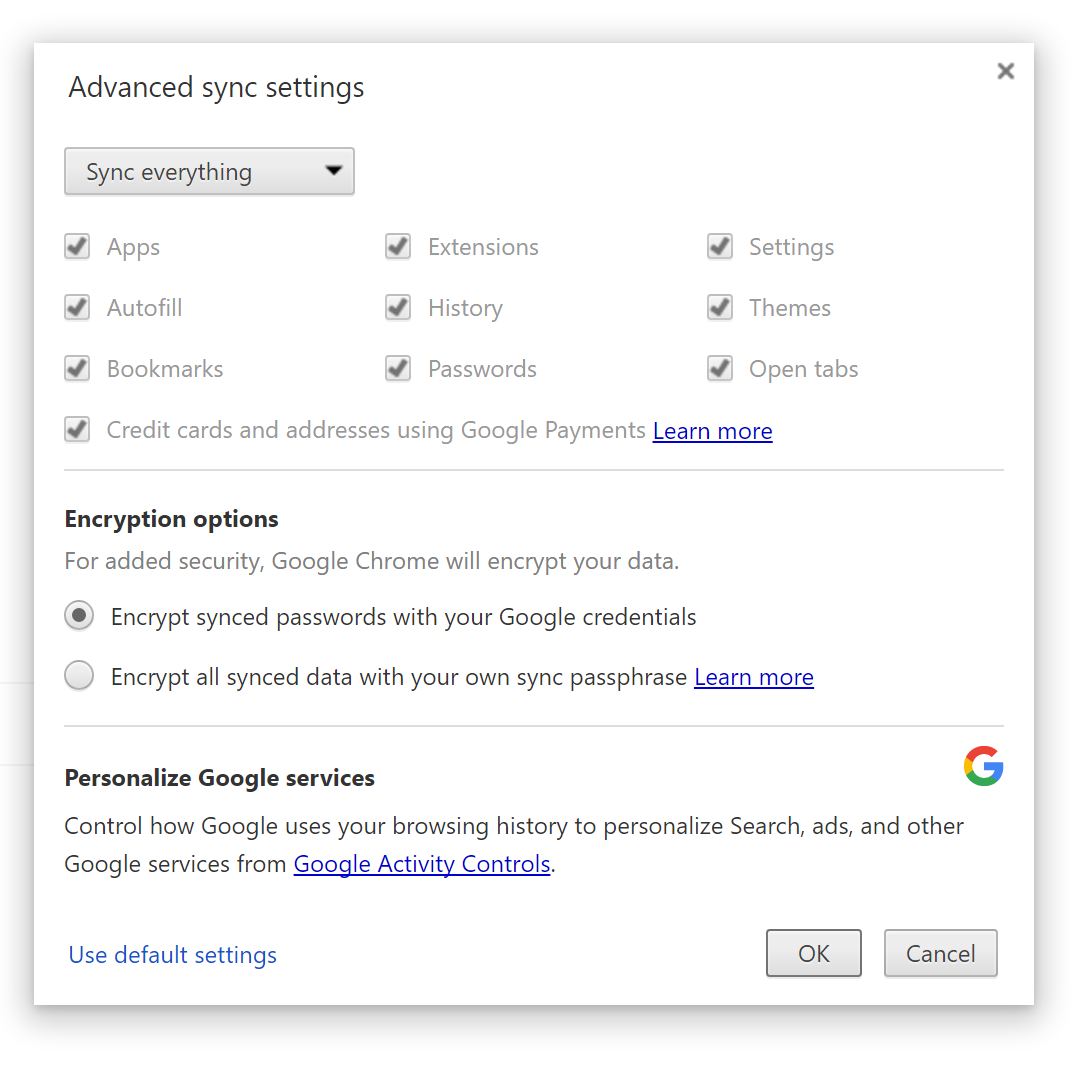
It's not on by default though, meaning most users will be passing data their browsing data through Google unencrypted. Not only tabs but cookies, full browser history...
I'm always surprised that no one seems to think this a big deal. People will install and recommend tracking-blocking extensions while allowing Google to hoover up all this data without a second thought.
Oh okay, didn't know Chrome provided this feature natively, I thought you were referring to some kind of crazy DIY encrypt-things-behind-Chrome's-back monitoring script setup.
You're correct. Saved/bookmarked stories have been there way before HN has favorite. I'm thinking of syncing these two, but it's not very straightforward without API support.