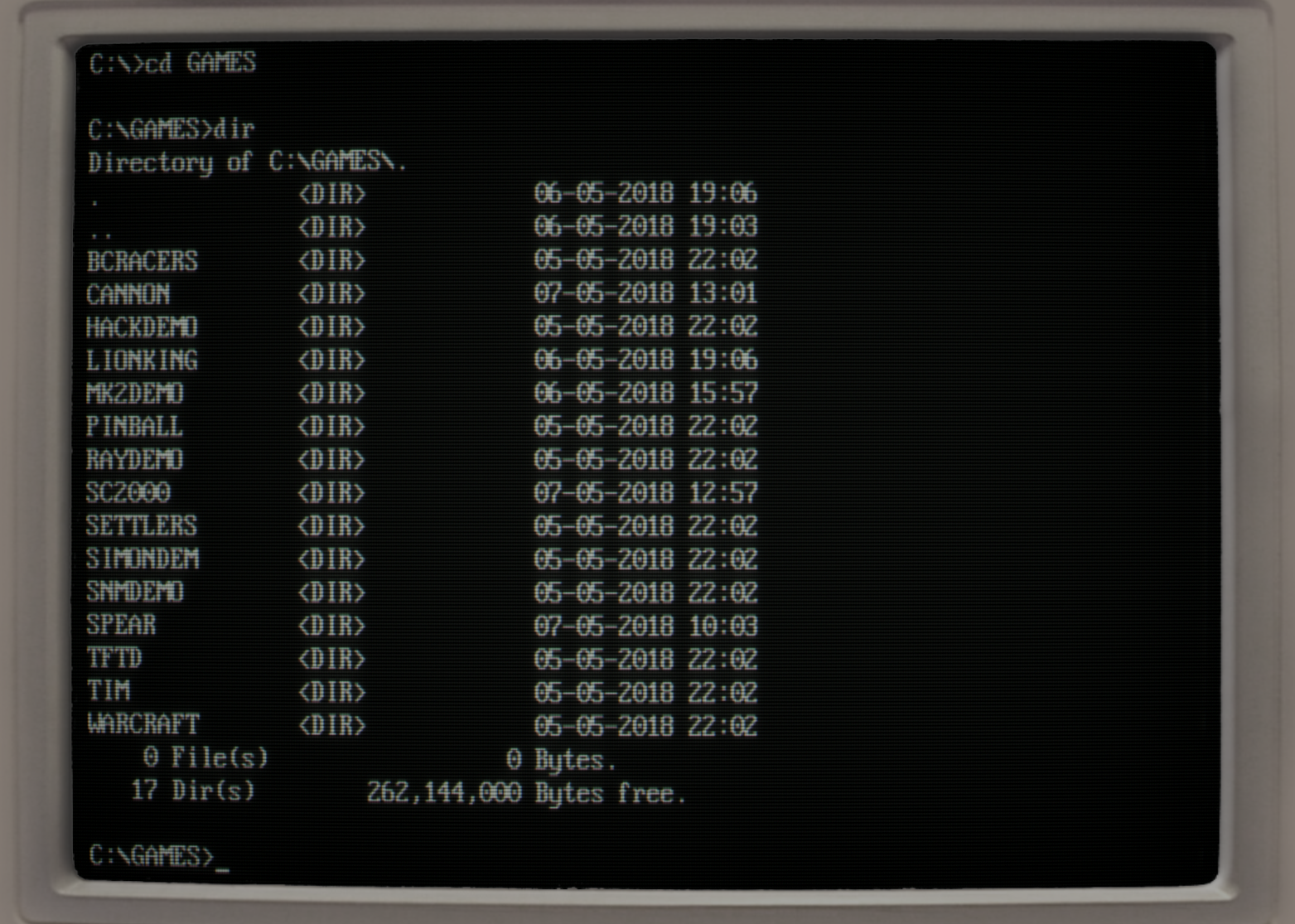
The 1980s with its CGA, EGA and early VGA displays must be from before your time then? I definitely played games looking like that. I prefer not to use such filters, but some people might be nostalgic for it. One interesting application might also be for games that make use of the overscan border, which is not normally visible in DOSBox (and people have been trying to work around this), causing problems in games that need it such as Crystal Caves.
I'm referring less to the curve, and more to the scanlines[3]. The bleed in CRTs means that's not what it actually looked like when displayed on era accurate hardware, so it's always confused me why people would opt for a filter that claims to be "authentic" that does this, especially when emulating the visual experience enough to show screen rounding.
For example, here's a picture of an actual DOS ANSI output, from a CRT monitor[1], and here's the equivalent display from this filter[2]. In what way is emulating the scanlines making this more authentic?
Most SVGA CRT monitors I've used in 90's and early 00's actually displayed visibly discete scanlines in any video mode with less than 480 vertical lines, this includes classic VGA 80x25 text mode (actually 720x400, and in this mode the resulting effect is in fact somewhat pleasing to look at) and mode 13h (320x200 in 256 colors with double scan) which was popular for 90's games, the effect was even more pronounced with EGA's 640x350 (which is not double scan mode).
Edit: also this effect was easily visible on Windows 9x startup/shutdown screen, which IIRC uses 320x400 unchained mode.
Edit2: somewhat relevant to this is that many late 00's LCD monitors with only VGA input are not able to reliably keep synchronisation lock in double scan modes and there is significant subset of current monitors that will simply reject any 400-line mode (and there is significant subset of modern graphics cards that output classical VGA text mode as 640x480 or 720x480)
My first PC (an IBM XT clone circa 1985) came with a monitor which looked very much like the second image. Later PCs I owned with higher-resolution monitors looked like the first screenshot.
Visible scanlines, or to be more precise, visible gaps between scanlines is usually a sign of a misadjusted monitor or one not running at the correct resolution. I don't exactly remember the name of the control (focus? bleed?) but there is one which adjusts the diameter of the beam, and is supposed to be set such that each scanline just touches its neighbours; you don't want them to bleed into each other, nor be so far apart as to approximate the IBM logo.
It's tricky to make a comparison of 'authenticity': for one thing, some displays had more visible scanlines and for another, it's the sort of detail that's easily lost in photos because you're taking a picture of a small, very-high contrast area and the artifacts often bleed together.
It's not like everybody bought the same monitor back then. The hardware was all over the place quality wise. A lot of the hardware back then was really bad unless you were willing to pay literally thousands of dollars for a system too. You could definitely get smearing from too-long VGA cables or shitty controller boards or just hardware getting old and falling out of spec.
So the guy that had the honest to god IBM PS/2 that cost $10k thinks all of these artifacts are anachronisms, while the guy with the bargain basement hand-me-down Packard Bell thinks it looks perfect.
And someone who kept a radio next to their CRT with a big honking speaker might remember the scan line deviation being much bigger than someone who didn't.
Well, it can be tricky once you start getting accurate, but I'm not sure any display ever looked like these screenshots, or even very close to it. There was always some visual bleed to eyes as well, not just pictures.
I'm pretty sure even LCD panels just repeated lines and didn't leave them blank, so some portion of people actually used an LCD to play these originally might have close to perfect accuracy if they repeated lines.
The only times I can particularly remember scanlines being really bad and noticeable were on the old CGA displays in the 80's. And those didn't look like this representation by a long shot, there was a lot of bleed in those as well, the lines were just big enough the bleed didn't obfustate it quite as much. I can't comment on EGA/VGA, we went straight from a CGA monitor to a SVGA one in the late 80's or early 90's, I don't recall exactly when. It's possible there was a display type in there that I didn't use much which actually makes this representation more accurate.
I think the effect tends to be exaggerated in most of these implementations my points are just 1. visible scanlines were totally a thing. 2. it's really hard to take a representative photo of a CRT.
Also, human memory is a funny thing, and these sorts of things are easy to forget from your remembered experience, too. So to some it is exaggerated because they only remember it at its best and others it is spot-on because they only remember it at its worst. Because we notice problems more than things working, there may be more people in that second camp than in the first.
I've had CGA, EGA VGA (MCGA :) ) at that time. I clearly don't remember so much scanlines. There may have been some present, but they were not that visible (IIRC). So I tend to confirm what you say.